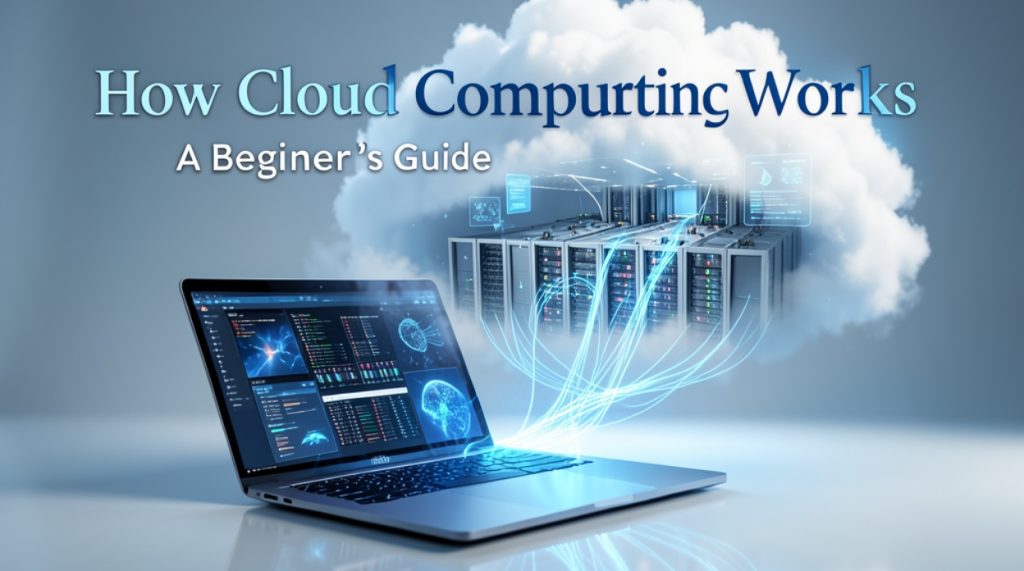
Cloud computing has become an important part of modern technology. From storing photos online to using business software and streaming videos, many of the digital services we use every day depend on cloud computing.
But what exactly is cloud computing, and how does it work? If you are new to technology, the concept may sound complicated. In reality, the basic idea is quite simple: cloud computing allows you to use computing resources over the internet instead of relying entirely on your own computer or device.
This beginner-friendly guide explains what cloud computing is, how it works, its main types, benefits, examples, and some common concerns.
What Is Cloud Computing?
Cloud computing is the delivery of computing services through the internet. These services can include:
- File storage
- Servers
- Databases
- Software
- Networking
- Computing power
- Data backup
- Security tools
Instead of keeping everything on your own computer, you can use remote computers called servers that are located in data centers.
For example, when you save a file to an online storage service, the file may be stored on remote servers rather than only on your laptop or smartphone. You can then access it through the internet from another device.
In simple words:
Cloud computing means using computing resources through the internet instead of having to own and manage all the hardware yourself.
How Does Cloud Computing Work?
Cloud computing works through a combination of internet connections, data centers, servers, storage systems, and software.
Here is a simple example.
Imagine that you want to store your photos online.
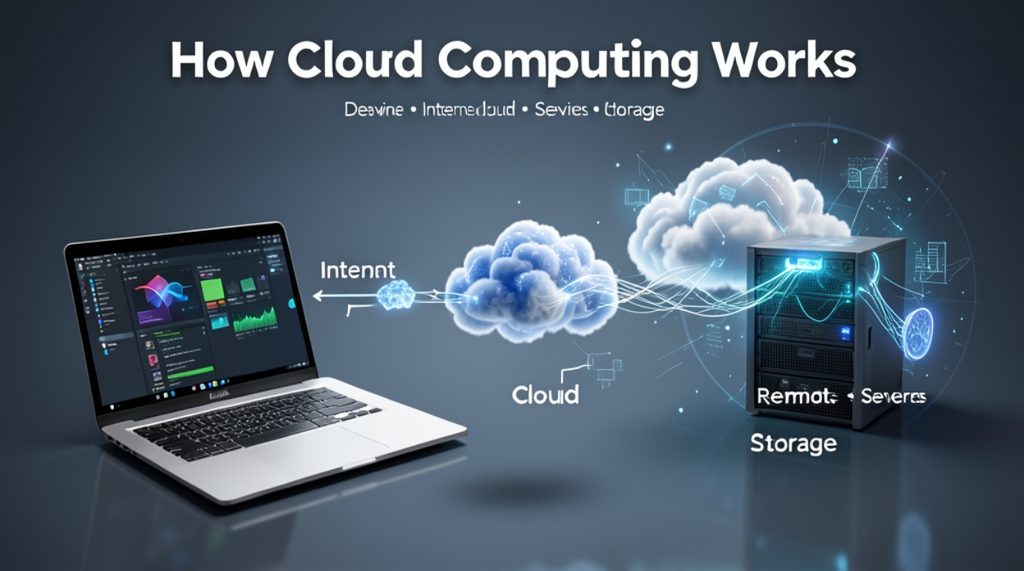
First, you upload your photos using your smartphone or computer. Your files travel through the internet to a company’s data center. The cloud provider stores your data on its servers.
Later, you can log in to your account from another device and access those photos.
The basic process looks like this:
Your Device → Internet → Cloud Provider → Remote Servers → Your Data
The cloud provider manages the physical infrastructure while you use the service through an app or website.
What Are Cloud Servers?
A cloud server is a virtual or physical computing resource that operates in a data center.
Traditional computing often requires you to purchase a physical computer or server. With cloud computing, companies can provide computing resources remotely.
For example, a business may need a powerful server to run its website. Instead of purchasing expensive hardware, the business can rent computing resources from a cloud provider.
This can make it easier to increase or decrease resources when needed.
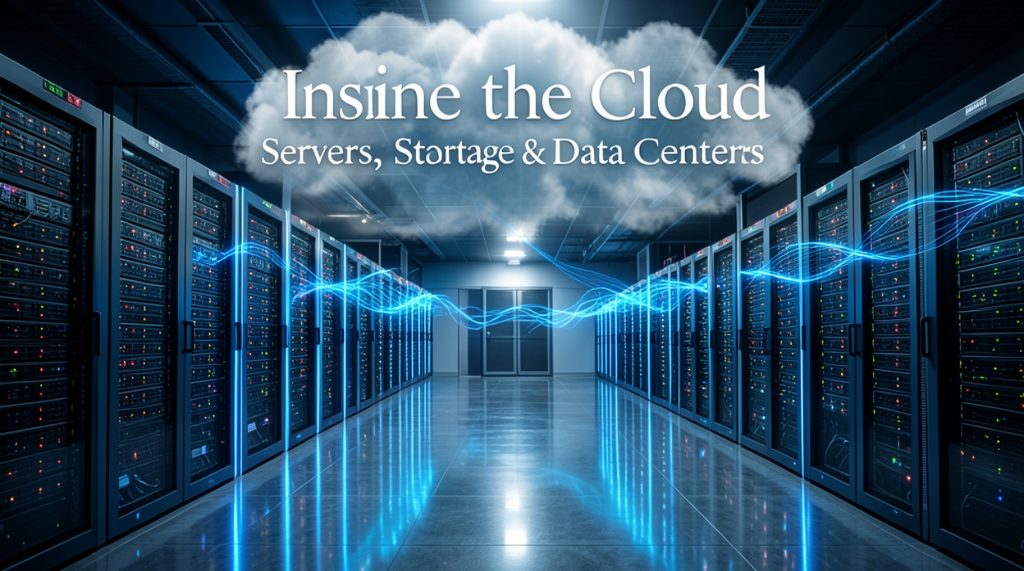
What Is a Data Center?
A data center is a facility containing large numbers of computers, servers, storage devices, networking equipment, and security systems.
Cloud providers operate data centers in different locations around the world.
These facilities are designed to keep services running reliably. They commonly use backup power systems, cooling equipment, security measures, and redundant hardware.
When you use a cloud service, your information may be processed or stored in one or more of these data centers.
Types of Cloud Computing
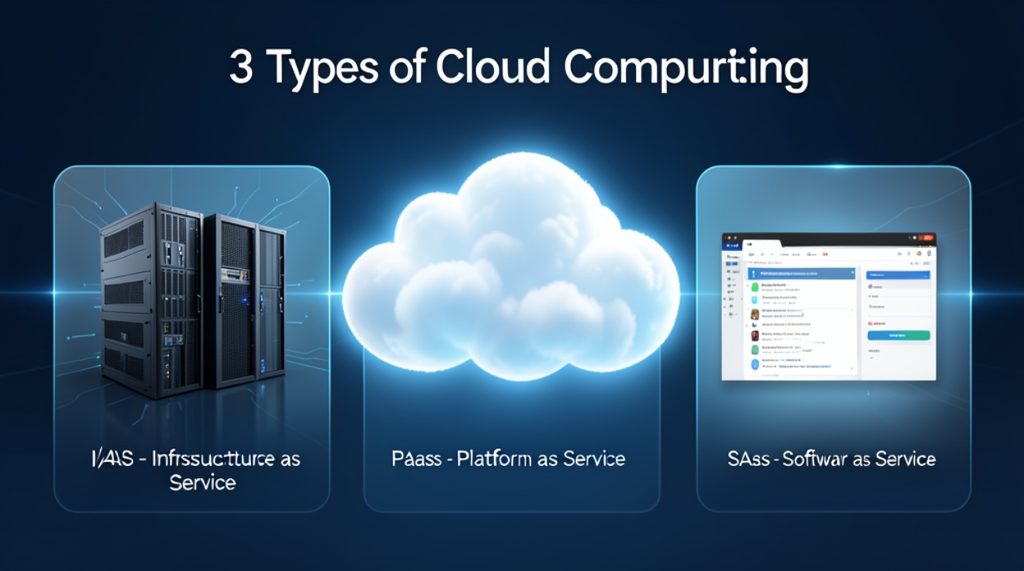
Cloud computing is generally divided into three main service models: IaaS, PaaS, and SaaS.
1. Infrastructure as a Service (IaaS)
IaaS provides basic computing infrastructure through the internet.
This can include:
- Virtual servers
- Storage
- Networking
- Computing resources
Businesses can rent these resources instead of purchasing and maintaining physical hardware.
IaaS is commonly useful for companies that need more control over their computing environment.
2. Platform as a Service (PaaS)
PaaS provides developers with an environment for creating, testing, and deploying applications.
Instead of managing every part of the underlying infrastructure, developers can focus more on building their applications.
This can save time and simplify the development process.
3. Software as a Service (SaaS)
SaaS allows users to access software through the internet.
You usually do not need to install and maintain the entire application yourself. Instead, you access the software through a web browser or app.
Common examples include online email, document editing, project management, and communication platforms.
Public, Private, and Hybrid Clouds
Cloud environments can also be classified based on how they are deployed.
Public Cloud
A public cloud provides computing services through infrastructure operated by a cloud provider.
Businesses and individuals can use these services without owning the underlying data center infrastructure.
Private Cloud
A private cloud is designed for use by a specific organization.
It can provide greater control over infrastructure and data, making it suitable for organizations with particular security, compliance, or operational requirements.
Hybrid Cloud
A hybrid cloud combines private and public cloud environments.
For example, an organization might keep certain sensitive systems in a private environment while using public cloud resources for other workloads.
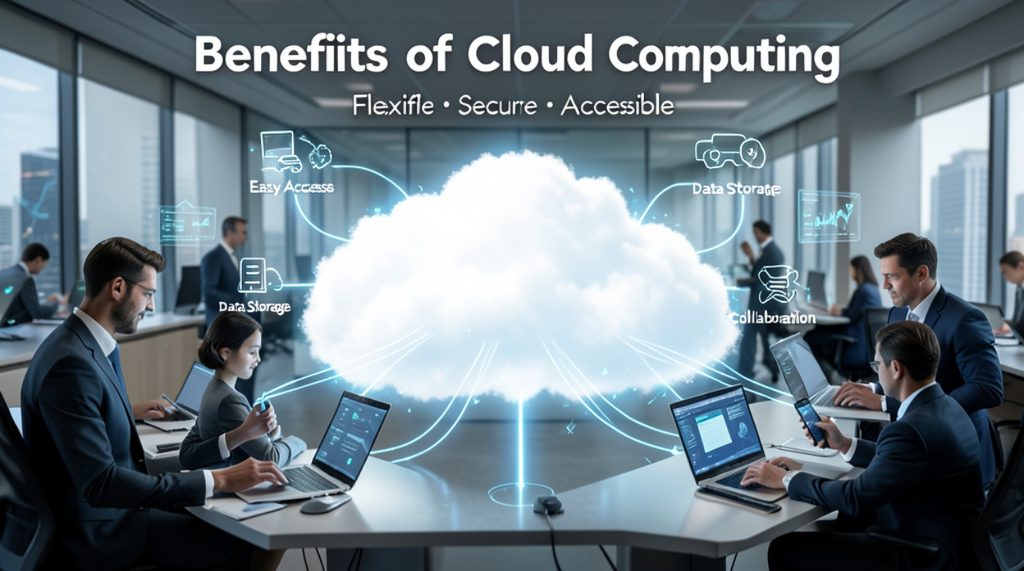
Benefits of Cloud Computing
Cloud computing offers several advantages for individuals and businesses.
1. Access From Anywhere
One of the biggest advantages is accessibility.
If your files and applications are stored in the cloud, you can often access them from different devices as long as you have an internet connection and the necessary account permissions.
2. Lower Hardware Costs
Businesses may not need to purchase large amounts of physical hardware.
Instead, they can rent computing resources according to their requirements.
This can reduce the need for significant upfront investment.
3. Easy Scalability
Cloud services can often be scaled according to demand.
For example, an online store may need additional computing resources during a major sales event. Cloud infrastructure can make it easier to increase resources when demand rises.
4. Automatic Updates
Many cloud-based applications are maintained by the service provider.
This can reduce the amount of manual maintenance required from users.
5. Data Backup
Cloud services can be used as part of a backup strategy.
Keeping copies of important files in a separate location can help reduce the risk of losing data because of device failure or accidental deletion.
However, users should still understand the provider’s backup and recovery policies.
6. Collaboration
Cloud-based applications make it easier for multiple people to work with shared documents, files, and projects.
This is especially useful for remote teams.
Everyday Examples of Cloud Computing
You may already use cloud computing without realizing it.
Online Storage
Services that allow you to store photos, documents, and other files online are examples of cloud computing.
Modern web-based email services commonly store messages and related data on remote servers.
Video Streaming
Streaming platforms rely on large-scale computing and storage infrastructure to deliver videos to users.
Online Office Applications
Web-based document, spreadsheet, and presentation tools allow users to create and edit files without relying entirely on locally installed software.
Online Backup
Cloud backup services can automatically copy important files to remote storage.
Business Applications
Companies use cloud-based accounting, customer management, communication, marketing, and project management software.
Cloud Computing vs Traditional Computing
Traditional computing usually depends more heavily on locally owned hardware and software.
For example, a company might purchase physical servers, install software, maintain the equipment, and replace hardware when it becomes outdated.
With cloud computing, many of these responsibilities can be handled by a cloud provider.
| Traditional Computing | Cloud Computing |
|---|---|
| Hardware is usually owned locally | Resources can be rented remotely |
| Larger upfront hardware investment | Often uses subscription or usage-based pricing |
| Organization manages more infrastructure | Provider manages much of the infrastructure |
| Scaling can require new hardware | Resources can often be scaled more easily |
| Maintenance is handled internally | Provider handles much of the platform maintenance |
Cloud computing does not completely replace traditional computing. Many organizations use a combination of both approaches.
Is Cloud Computing Safe?
Cloud computing can provide strong security, but no online system is completely risk-free.
Cloud providers typically use security technologies such as encryption, access controls, monitoring, authentication systems, and backup mechanisms.
However, users also have responsibilities.
You should:
- Use strong, unique passwords.
- Enable two-factor authentication when available.
- Keep your devices updated.
- Avoid sharing account credentials.
- Check who has access to shared files.
- Use trusted networks when handling sensitive information.
- Review the privacy and security settings of cloud services.
Security is a shared responsibility between the cloud provider and the customer.
What Happens When You Delete a Cloud File?
Deleting a cloud file does not always mean it disappears immediately.
Many cloud services have a trash or recycle-bin feature. Deleted files may remain there for a certain period before permanent deletion.
Some services may also maintain backups or copies for operational and recovery purposes.
The exact process depends on the service provider and its policies.
Does Cloud Computing Require the Internet?
Most cloud services require an internet connection to access remote resources.
However, some cloud applications offer offline functionality. You may be able to work on files without an active connection and synchronize changes when you reconnect.
The level of offline support depends on the specific application.
Why Is Cloud Computing Important for Businesses?
Cloud computing has changed how many businesses build and operate their technology systems.
A small business can use cloud-based software without creating a large IT infrastructure from scratch.
For example, a company may use cloud services for:
- Website hosting
- File storage
- Customer management
- Accounting
- Team communication
- Data analysis
- Application development
- Online backups
This allows businesses to focus more on their products and services instead of managing every physical component of their technology infrastructure.
Challenges of Cloud Computing
Although cloud computing has many benefits, it also has some challenges.
Internet Dependency
If your internet connection is unavailable, accessing cloud services may become difficult.
Privacy Concerns
Users should understand how providers collect, store, and process their data.
Service Outages
Even major cloud platforms can experience technical problems or temporary outages.
Ongoing Costs
Cloud services can involve recurring subscription or usage charges. Poorly managed cloud resources can sometimes lead to unexpected expenses.
Vendor Lock-In
Moving applications or data from one cloud provider to another can sometimes be complicated and expensive.
How Can Beginners Start Learning Cloud Computing?
You do not need to become an expert immediately.
Start with the basic concepts:
- Learn what servers and data centers are.
- Understand how websites and applications use servers.
- Learn the difference between IaaS, PaaS, and SaaS.
- Explore basic cloud storage services.
- Learn about cloud security.
- Study basic networking concepts.
- Try beginner-friendly cloud tutorials and practical projects.
Once you understand these fundamentals, you can explore more advanced areas such as cloud databases, virtual machines, containers, automation, and cloud security.
Frequently Asked Questions
What is cloud computing in simple words?
Cloud computing means using computing services such as storage, software, servers, and processing power over the internet.
Is Google Drive cloud computing?
Yes. Online file storage services are a common example of cloud computing because your files are stored on remote infrastructure and accessed through the internet.
Is cloud computing only for businesses?
No. Individuals use cloud computing every day for file storage, email, photo backups, streaming, online applications, and other services.
Is cloud computing expensive?
The cost depends on the service and how much you use. Some cloud services offer free plans, while others charge based on subscriptions or usage.
Can cloud computing replace a computer?
No. Cloud computing does not eliminate the need for personal devices. Your computer or smartphone is still used to connect to and interact with cloud services.
Is cloud computing difficult to learn?
The basic concepts are relatively easy to understand. More advanced cloud technologies require knowledge of networking, operating systems, security, and programming.
Final Thoughts
Cloud computing may sound like a complex technology, but its basic idea is straightforward. Instead of keeping all computing resources on your own device, cloud computing allows you to use remote servers, storage, software, and other resources through the internet.
From storing personal photos to running large business applications, cloud computing is now an important part of the digital world.
For beginners, the best way to understand cloud computing is to start with the basics: servers, data centers, storage, internet connectivity, and cloud services. Once these concepts become familiar, more advanced cloud technologies become much easier to understand.
Quick Takeaway
Cloud computing = using computing resources over the internet instead of relying entirely on your own local hardware.
It can provide flexibility, scalability, accessibility, and convenience for both individuals and businesses, making it one of the most important technologies behind today’s digital services.